

Freeman School of Business, Tulane University
Intellectual Contributions

The promise and pitfalls of ESG investing
Considering environmental risks when evaluating an investment isn’t as new or controversial as you may think. Associate Professor of Finance Nishad Kapadia delves into the nuances, parallels and evolving landscape of ESG investing.
Freeman Spotlight
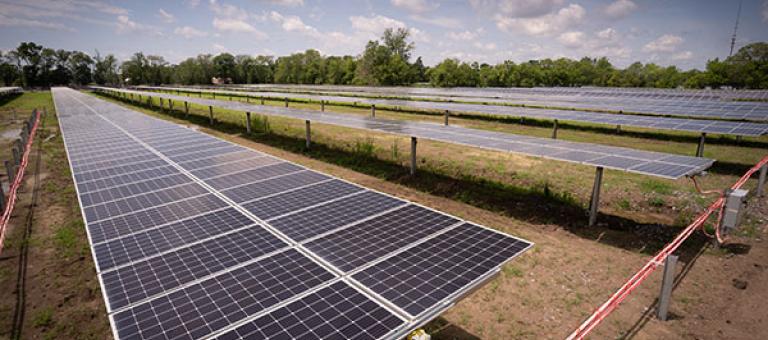
Students help Entergy create a brighter future
To get a better handle on factors impacting solar viability in Louisiana, Entergy worked with a team of Freeman School energy students to study the impact of geographic diversification on solar reliability.
Featured Event
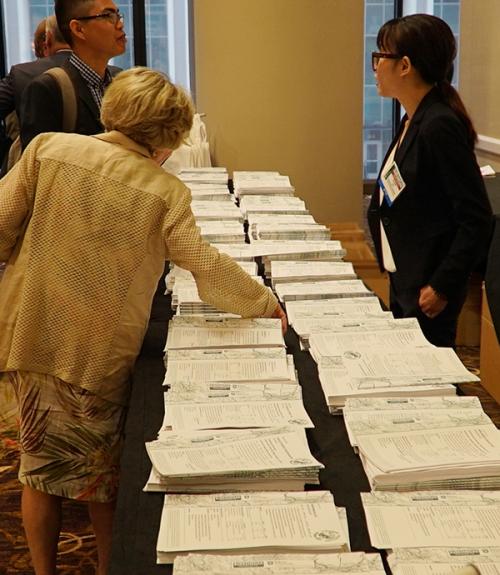
Burkenroad Reports Investment Conference
Save the Date!
The 26th Annual Burkenroad Reports Investment Conference will be held Friday, April 26, 2024, at the Westin Hotel.
Get a front-row seat to hear from top management and see in-depth, student-prepared analysis reports. Other program highlights include:
- Morning kick-off welcome address by Professor Peter Ricchiuti, founder of the Burkenroad Reports.
- Presentations by dozens of small- and mid-cap company executives.
- Keynote address by Dr. Edward Yardeni, the President of Yardeni Research, Inc., a provider of global investment strategies and asset-allocation analyses and recommendations.
The 2024 agenda is coming soon, but you can view the 2023 agenda for a sneak preview.
Read More
Events
News